
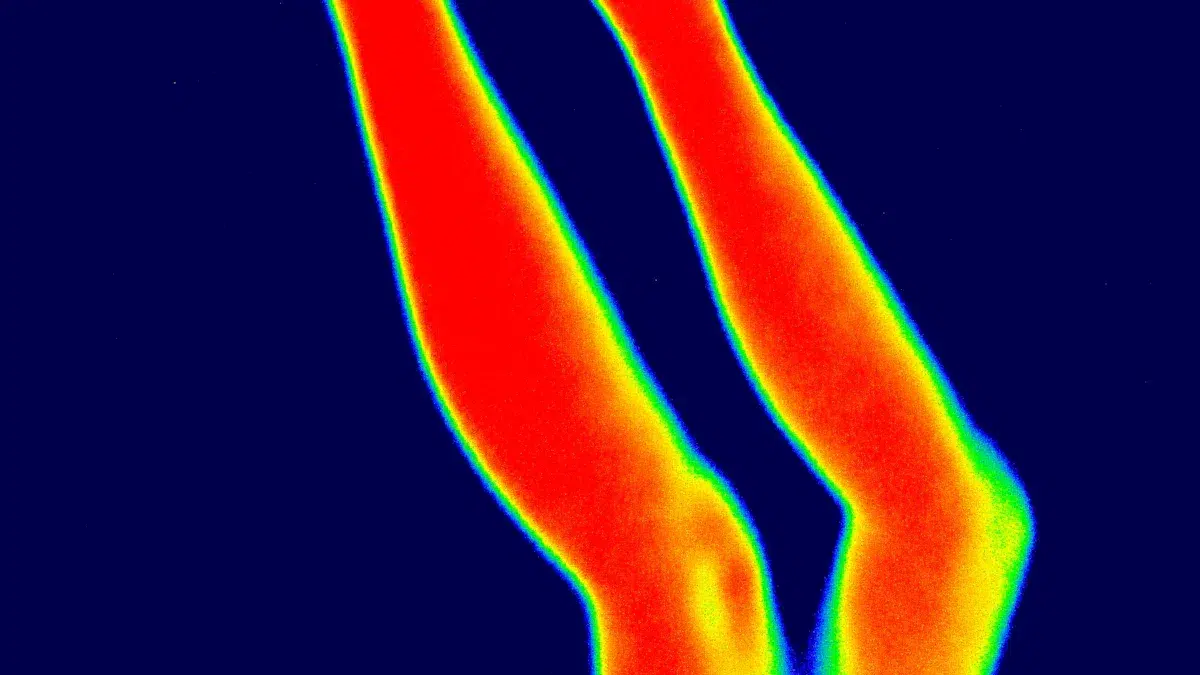
You can see in the dark with a thermal monocular. This tool helps you find warm objects quickly, even when darkness, fog, or rain hides them from your eyes. You do not have to worry about weather or thick trees blocking your view. For the best results, you need to set up your device the right way and learn how to use it. If you want a reliable device, verytek offers advanced thermal imaging solutions trusted by many users around the world.
Key Takeaways
A thermal monocular helps you see in the dark. It finds heat from things, animals, or people.
You need to set it up right for good results. This helps you see heat clearly, especially at night.
Change brightness and contrast to make things easier to see. This also helps your eyes not get tired when you look for a long time.
Try different color palettes to see which works best. Pick the one that fits your needs and the place you are in.
Take care of your thermal monocular to keep it working well. Clean the lens and check the battery often. This makes sure it lasts longer and works better.
Thermal Monocular Basics and Nighttime Advantages
How Thermal Monoculars Work
A thermal monocular lets you see things in the dark. It finds heat from objects, animals, or people. Everything gives off heat, even if it feels cold. The lens picks up this heat energy called infrared radiation. The device changes this energy into a picture. You see different colors or shades for different temperatures.
Tip: Thermal night vision works without any light. Regular night vision needs some light to work. You can see through fog, smoke, or thick bushes with thermal night vision.
Here is an easy comparison:
Feature | Thermal Monoculars | Night Vision Technologies |
|---|---|---|
Principle of Operation | Finds infrared radiation from objects | Makes visible light stronger for night vision |
Image Representation | Shows many colors for different temperatures | Shows grey images using light amplification |
Environmental Conditions | Works in darkness and through fog | Does not work well in darkness or fog |
Object Detection | Tells living things from objects by heat | Needs light, may not see camouflaged things |
Verytek is a leader in thermal imaging technology. The VN2 640/384/256/ LWIR Thermal Camera Module gives clear pictures and smooth use. It works well in many places.
Why Use a Thermal Monocular at Night
A thermal monocular helps you in many ways at night. You can find animals, people, or objects when it is very dark. The device lets you see through fog, smoke, or thick leaves. You can use it for outdoor fun, security, or rescue work.
You can see in darkness without any light.
You can find warm animals or people fast.
You can stay hidden because it does not shine light.
You can use it in bad weather like rain or snow.
Modern thermal monoculars, like the VN2 series from verytek, give smooth pictures, long battery life, and easy controls. These features are good for wildlife watching or emergency help. You get reliable thermal night vision that works almost anywhere.
Using a Thermal Monocular at Night
Powering On and Calibration
You need to start with the right setup for your thermal monocular. This helps you get the best results when you use it at night. Follow these steps for proper operation:
Choose a safe area with a clear target. Make sure you have enough space to see your target.
Turn on your device. Wait for the screen to show a clear image.
Check the reticle alignment. Center the reticle on the heat source you want to observe.
If you use your monocular for aiming, test a few shots to see if the reticle matches the point of impact.
Adjust the reticle if needed. Make small changes until the reticle lines up with the heat source.
Repeat these steps until you feel confident about the alignment.
Note: Proper calibration is very important. It helps your thermal monocular show accurate heat signatures and clear images. This is especially true at night when you need to trust what you see. Calibration also removes dead pixels and keeps the image smooth.
You can avoid common calibration errors by always checking your device in good conditions. Many experts suggest doing this during the day before you use it at night.
Selecting Color Palettes
Color palettes change how you see heat signatures on your screen. Each palette has a special use. You can pick the one that helps you see best in your situation. Here is a table to help you choose:
Palette | Description | Nighttime Benefit |
|---|---|---|
Red Hot | Warm targets look bright red, then yellow, then white. | Easy to spot heat, less screen glare. |
Rainbow | Shows many colors for different temperatures. | Finds small changes in heat, good for animal features. |
Ultramarine | Lowers screen brightness. | Less eye strain for long use. |
Sepia | Warm, golden color. | Good for long viewing, less eye fatigue. |
Black Hot | Warm objects are black, cool ones are white. | Clear body heat, popular with law enforcement. |
Outdoor Alert | Highlights the hottest parts in bright colors. | Fast heat detection in busy scenes. |
Arctic | Warm objects are gold, cold ones are blue. | Quick heat spotting, sees small changes. |
Ironbow | Shows heat spread and small details. | Good for finding hidden heat sources. |
Tip: Try different palettes to see which one works best for your eyes and your task. For example, use “Black Hot” for tracking people or animals, or “Rainbow” for finding small temperature changes.
Adjusting Brightness and Contrast
You can make your thermal monocular easier to use by adjusting brightness and contrast. These settings help you see heat signatures more clearly, even in total darkness.
Increase brightness if the image looks too dark.
Lower brightness if the screen feels too bright or hurts your eyes.
Adjust contrast to make hot and cold areas stand out more.
Use lower brightness and softer palettes like “Ultramarine” or “Sepia” for long observation sessions.
Remember: Good image adjustment helps you spot details and reduces eye fatigue. This is important for thermal night vision, especially during long patrols or wildlife watching.
Using Zoom and Range Finder
Your thermal monocular may have zoom and a built-in range finder. These features help you see targets better and measure distances at night.
Use optical zoom first. It gathers more thermal information and keeps the image clear.
Use digital zoom to get a closer look, but know that it can make the image less sharp.
Try Picture-in-Picture (PiP) mode if your device supports it. This lets you zoom in on one part of the image while still seeing the whole scene.
Use the range finder to measure how far away your target is. This is helpful for safety and planning.
Practice using landmarks during the day. This makes it easier to judge distances at night.
Note: The verytek VN2 series supports digital zoom up to 8× and has a built-in range finder. These features help you find and measure heat signatures quickly and accurately.
By following these steps, you can use your thermal monocular with confidence. You will get clear images, accurate distance readings, and reliable performance in any nighttime situation.
Maximizing Performance with Thermal Scope
Battery and Power Management
You must take care of your thermal scope’s battery. This helps you use it longer at night. Always check the battery before you go outside. Use standby mode and display timeout to save power. Lower the screen brightness to about 60-70% at night. Bring a USB-C power bank to make your scope last longer. The VN2 series from verytek uses less than 0.7W. This means you can use it for a long time without charging often.
Strategy | Description | Estimated Battery Extension |
|---|---|---|
Power Management Settings | Standby and timeout save battery power. | |
Display Brightness Optimization | Lower brightness for nighttime use. | 15-20% |
External Power Options | USB-C power banks help your scope run longer. | Doubles or triples duration |
Keep extra batteries warm if it is cold outside. Let your scope get used to the air temperature. This stops the lens from fogging up.
Environmental Considerations
Weather and air can change how your thermal scope works. Fog makes it hard to see heat because it spreads infrared energy. High humidity makes heat signals weaker and lowers contrast. Cold air helps heat stand out more. Light snow does not change much, but heavy snow makes things harder to see. Smoke and dust can make the picture worse, but thermal scopes still work better than regular ones.
Change your settings to help you see better in tough conditions. Try different palettes for better pictures:
Palette Type | Description | Best Use |
|---|---|---|
White Hot | Hot things look white. | Good for finding things fast. |
Black Hot | Hot things look black. | Good for watching longer, less eye strain. |
Red Hot | Warm targets are bright red. | Easy to see heat differences. |
Rainbow | Shows many colors. | Helps find details or check the environment. |
Move the scope slowly so you do not miss weak heat signals. Change gain settings if temperatures are very different.
Common Mistakes to Avoid
You can stop mistakes by following easy steps. Make sure nothing covers the sensor, like glass or your fingers. Hold your scope steady to get good rangefinder readings. Charge or change batteries if your scope will not turn on. Clean the lens often and keep your scope in a safe case. Calibrate before you use it to get clear pictures. Change sensitivity settings if it is foggy or rainy.
Mistake | Explanation |
|---|---|
Glass blocks heat signals. Make sure you have a clear view. | |
Rangefinder Malfunction | Fingers or shaky hands block the sensor. Weather can also cause problems. |
Poor Image Quality | Humidity and fog make images worse. Change sensitivity to see better. |
Device Will Not Turn on | Dead battery is common. Charge or replace it as needed. |
You can get the best results by holding your scope safely, cleaning it often, and storing it well. The VN2 series from verytek is easy to use and saves power. It works well for watching animals or keeping places safe. You will always see clear heat pictures at night.
You will get good results from your thermal monocular at night if you follow some easy steps. Clean your device often so it works well. Handle it carefully so nothing breaks. Keep it in a safe place when you are not using it. Check the battery before you use it each time. Calibrate your monocular and update software to see clear images. Try not to mix up targets and talk clearly with others. Using hunting terms helps you stay safe. Look at verytek’s advanced thermal imaging solutions for reliable use every night.
FAQ
How far can you see with a thermal monocular at night?
Advanced models like verytek’s VN2 series can spot big heat sources from far away, up to 1,000 meters. You can see smaller animals or people clearly at about 300 to 500 meters.
Can you use a thermal monocular in the rain or fog?
Yes, you can use it in rain or fog. Thermal monoculars find heat, not light. You can see through fog, smoke, or light rain. Heavy rain makes the picture less clear, but you can still spot warm things.
Do you need to calibrate your thermal monocular every time?
You should calibrate your device before you use it. This helps you get clear pictures and accurate heat signals. Some models, like verytek’s VN2, use a shutter-less algorithm for smooth and automatic calibration.
Can you record images or videos with a thermal monocular?
Many modern thermal monoculars let you take photos or videos. Some, like verytek’s models, support Wi-Fi transmission. You can view, save, and share your thermal images on your phone or tablet.
Is it safe to use a thermal monocular for long periods?
Yes, it is safe to use for a long time. Adjust brightness and contrast to help your eyes. Take short breaks if you use it for a while. Verytek’s devices have an ergonomic design, so you can use them comfortably for a long time.
See Also
Using Vanadium Oxide Thermal Cameras for Effective Rescue Operations
Guidelines for Utilizing Thermal Imaging in Rescue Missions 2025
The Importance of Thermal Imaging Cameras in 2025