
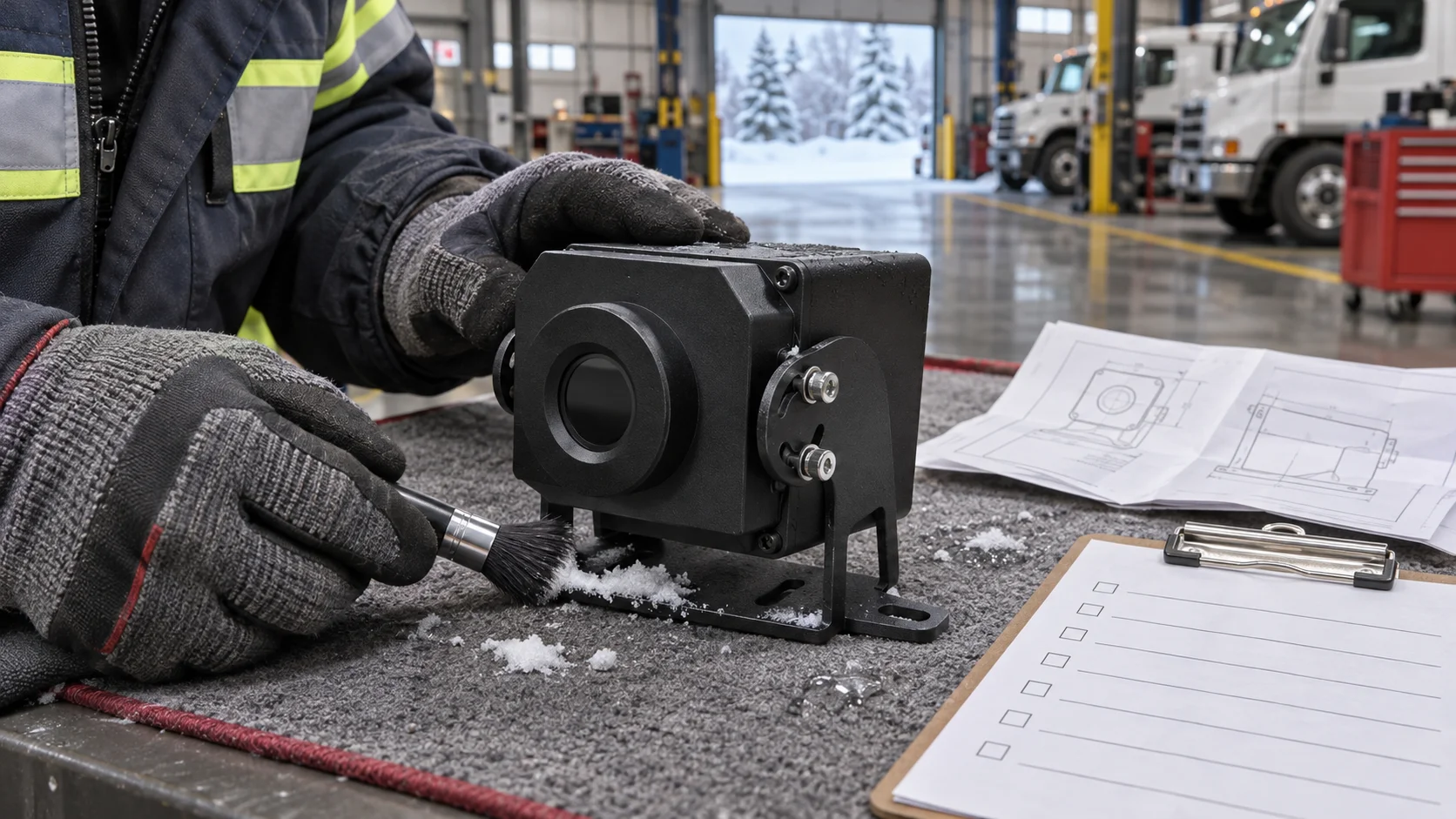
Select an automotive thermal camera for Canadian winter fleets in this order: cold-weather performance first, then resolution and field of view, then network integration and a confirmed 12V supply, and finally a winter pilot on the exact model. Cold-weather performance means the operating temperature range, model-specific cold-start evidence, and lens heating or defrost support for the configuration you actually order.
Treat every datasheet as a starting point, not proof. This guide separates verified brochure facts from the evidence you must request yourself. Four pillars organize the evaluation: cold starts, defrost by model, network and power, and the winter pilot. VERYTEK NV models illustrate the brochure specifications throughout.
Key Takeaways
Check the camera’s cold-weather performance first. Ask for cold-start test results for the exact model you plan to buy.
Confirm defrost support for your specific model. Wide field-of-view models like NV2-2, NV6-4, and NV6-4.6 do not support defrost.
Verify network connections and power. The camera needs a regulated 12V supply and works with Ethernet, RTSP, ONVIF, and DHCP.
Run a winter pilot with a sample camera. Test it overnight in real cold conditions to see how it starts and clears ice.
Order the exact model after testing. Confirm the order code and get evidence for that model before a fleet-wide rollout.
Cold Starts and the Automotive Thermal Camera
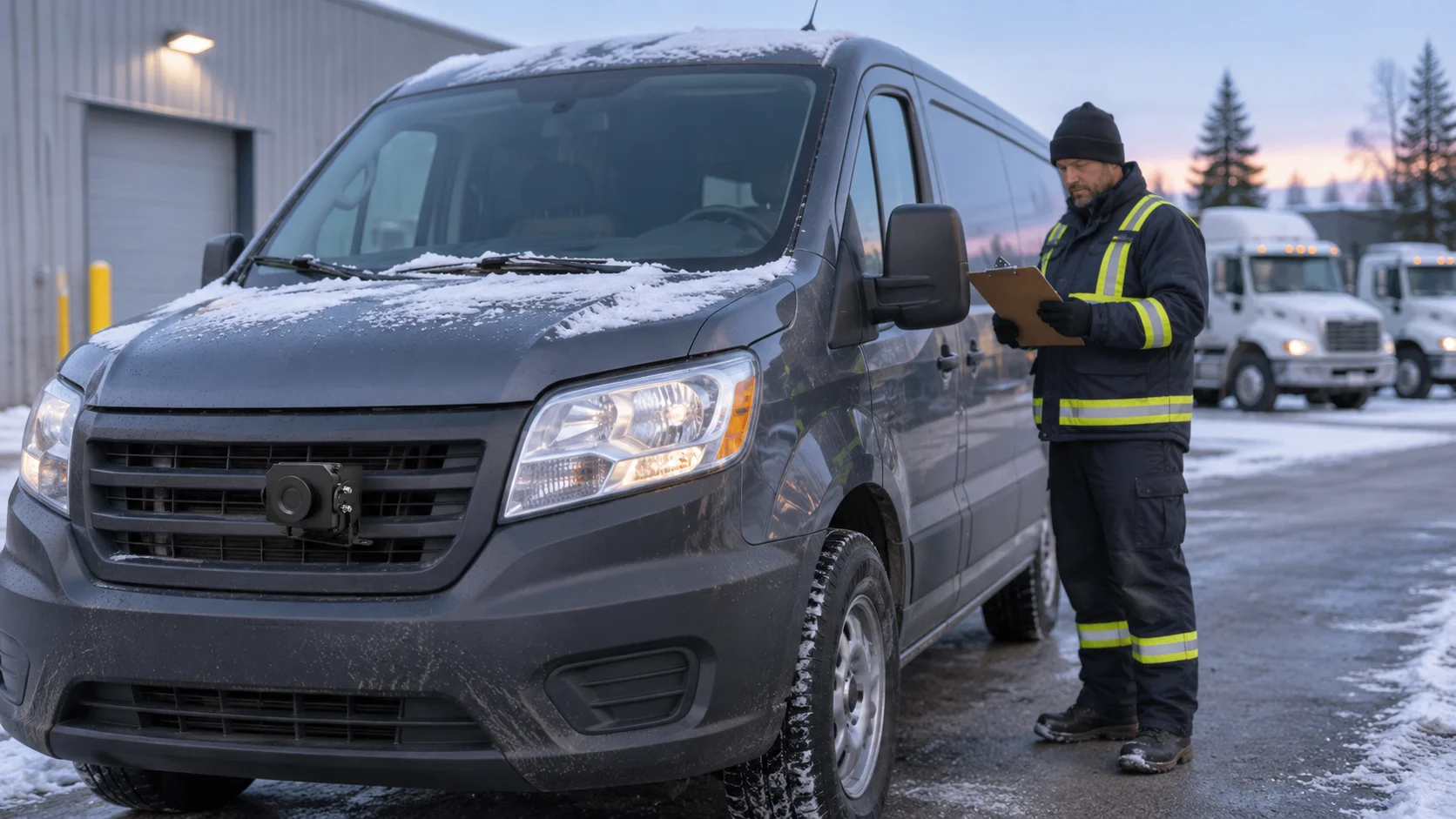
A cold start is the moment that decides whether your fleet’s thermal imaging earns its place on the vehicle. A camera that boots reliably in a heated shop tells you little about how it acts after a night at −28°C in a yard outside Winnipeg. The brochure gives you a starting point for this evaluation. It does not give you the answer.
What the Operating Range Covers
The VERYTEK NV range uses an uncooled VOx detector. The brochure lists an operating ambient range of −30°C to +70°C, a storage range of −35°C to +75°C, an IP67 enclosure rating, and a DC12V supply. Those figures describe the conditions the hardware is rated to work and survive in. Read them as environmental limits, not as promises about performance.
The operating range is not a measurement range, a cold-start test result, or a guarantee of performance below −30°C.
That difference matters for a Canadian fleet. A camera rated to −30°C may still take time to make a stable image at that limit, and the brochure does not say how long. It also says nothing about how it acts below −30°C. Do not plan routes or dispatch decisions around a below-limit guess the documentation does not back up. If your coldest operating window sits near or past the lower limit, treat that as a question for the supplier, not a settled fact.
Evidence Buyers Should Request
Ask for evidence tied to the exact model you plan to order, not to the NV family in general. Resolution, lens, and housing setup vary across the range, and cold behavior can vary with them. A family-level statement will not tell you how your supplied unit performs.
Request two document sets from the supplier. First, model-specific cold-soak and cold-start test results: how the unit was soaked, at what temperature, and what the startup behavior was. Second, thermal-cycle evidence for the exact supplied model, showing repeated exposure across the rated range. Ask whether the test unit matches your order setup, including lens and field of view.
Then plan your own check. A winter pilot on a sample unit, parked overnight in real conditions, gives you direct evidence no brochure can replace. Log startup behavior, image stability, and any fault codes. Compare results across the models you shortlist, and keep the records. This is the practical way to judge an automotive thermal camera before you commit a fleet.
Defrost by Camera Model
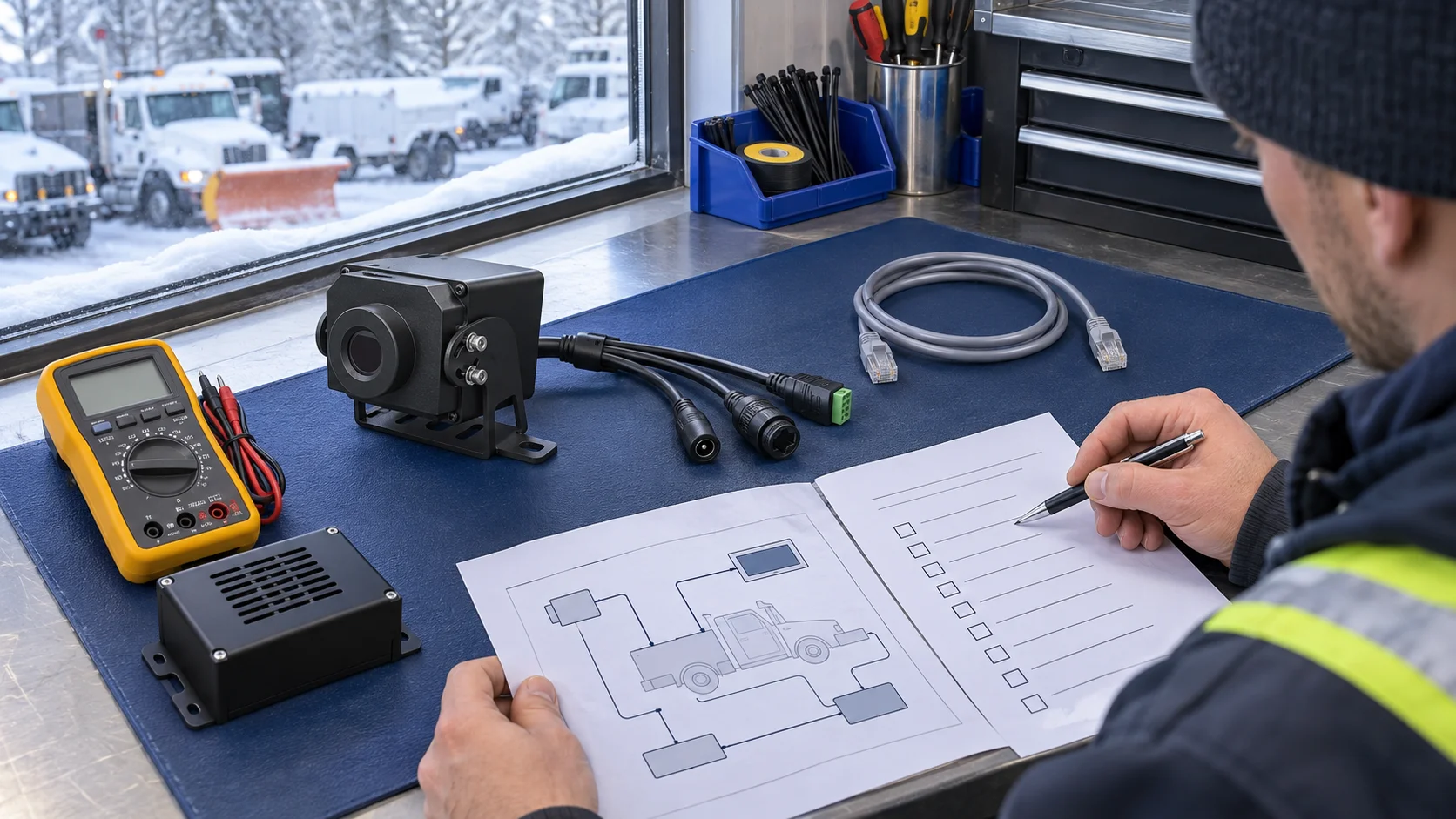
Winter fleets in Canada face a specific failure mode: a lens that frosts over or ices up while the vehicle sits or runs. A clear thermal image depends on a clear protection window. Defrost support is not a family-wide feature of the VERYTEK NV range. It depends on the exact model you order, and the brochure draws that line clearly.
Why IP67 Does Not Mean Heated
An IP67 rating tells you the enclosure keeps out dust and survives short immersion in set test conditions. It says nothing about a heater. It says nothing about a heated protection window. A sealed housing can still frost over, and a camera with no heater will still lose image quality in freezing rain or wet snow.
IP67 and network video do not mean a heated protection window or defrost support.
The same rating does not prove the camera can handle high-pressure or hot-water cleaning. If your wash routine uses a pressure washer near the camera, treat that as an open question for the supplier. Ask for guidance on cleaning method and standoff distance for the supplied model. Do not assume the IP code means it can take washing.
Configurations to Confirm Before Ordering
The brochure lists protection-window and defrost support as unavailable on the wide horizontal field-of-view versions. Check your intended order against this table before you commit.
NV model | Horizontal FOV | Protection window / defrost |
|---|---|---|
NV2-2 | 100° | Not supported |
NV6-4 | 110° | Not supported |
NV6-4.6 | 95° | Not supported |
Other NV configurations | Per brochure | Listed as supported — confirm for the supplied model |
The brochure lists defrost as supported for other configurations. That listing is a starting point, not proof for your unit. Resolution, lens, and housing setup vary across the range, and heated-window behaviour can vary with them. Get cold-start and heated-window evidence for the exact supplied model. Ask whether the test unit matches your order setup, including lens and field of view.
Then run a winter sample test. Mount a sample unit on a vehicle, park it overnight in real conditions, and watch the protection window through a freeze-thaw cycle. Log how quickly the window clears, whether ice sheets form at the edges, and how image quality holds. Repeat the test on each shortlisted model. Keep the records for your procurement file.
One naming note: the editorial label “TNV” maps to the brochure’s NV range. Order codes follow the NV naming, such as NV2-2, NV2-4, NV2-9.1, NV3-4, NV3-9.1, NV6-4, NV6-4.6, NV6-9.1, and NV6-13. Confirm the exact order model with your supplier before you sign. A wide-FOV unit and a narrow-FOV unit can sit in the same family and carry different defrost status. The order code is the only reliable anchor.
Network Integration and 12V Supply
Your camera needs to connect with the systems already on the vehicle and in the yard. The VERYTEK NV range links through Ethernet RJ45 and works with RTSP, ONVIF, and DHCP. A built-in 3T processor handles human, vehicle, and animal recognition, plus calibrated distance estimation. Power comes from a DC12V supply. These are brochure specs. Use them as a starting point for your integration check, not as a final compatibility approval.
Verified Interfaces and Protocols
The brochure confirms the interface set above for the NV range. It does not confirm how your recorder, display, or fleet software will work with a given unit. Integration success depends on the exact model, the firmware it ships with, and the platform on the other end.
Make a short checklist before you order. Check that the video stream works with your recorder and display. Check that the ONVIF handshake completes with your video management software. Check that the recognition and distance-estimation features show up as the brochure describes on your test unit. Run every check on the exact model you plan to deploy.
What Not to Assume
Several common assumptions do not follow from the brochure. Ethernet video does not prove raw 14-bit sensor output. The interface list does not confirm PoE. ONVIF support does not name a specific profile. Recorder compatibility is not universal.
DC12V does not prove direct 24V vehicle compatibility. Check regulated power, actual vehicle voltage, and transient protection.
Many commercial vehicles run 24V systems. A DC12V camera needs a regulated supply in that case, and you should confirm the actual voltage your vehicle delivers and how it handles transients. Ask the supplier for guidance on the power setup for your vehicle type.
Recognition and distance-estimation claims stay tied to the brochure wording. The brochure does not give guaranteed AI distances, so do not plan a mounting position around a number you cannot source. Test the feature on your sample unit and write down what you observe.
Winter Pilot for Your Automotive Thermal Camera
A winter pilot turns brochure claims into fleet evidence. Run it on the exact model you plan to order, not on a family representative. The table below separates what the VERYTEK brochure states from what you must check yourself.
Item | Verified brochure fact | Evidence to request or test |
|---|---|---|
Operating ambient | −30°C to +70°C | Model-specific cold-soak and cold-start results |
Storage | −35°C to +75°C | Temperature-cycle evidence for the supplied model |
Enclosure | IP67 | Wash-method guidance; no defrost proof |
Defrost | Model-specific; not on NV2-2, NV6-4, NV6-4.6 | Heated-window performance on your configuration |
Power | DC12V | Regulated supply, actual voltage, transients |
Network | Ethernet RJ45, RTSP/ONVIF/DHCP | Recorder and display compatibility on your unit |
Documented Facts vs. Buyer Tests
The brochure gives you the starting conditions. It does not give you cold-start timing, heated-window clearing behavior, or recorder compatibility. Your own pilot provides those answers.
Park a sample unit overnight in real conditions. Log startup behavior, image stability, and window clearing through a freeze-thaw cycle. Repeat the test on each shortlisted model and keep the records for procurement.
Details to Confirm Before Ordering
Confirm the lens and field of view, display details, and power setup for the exact configuration. Resolution tiers run 256×192, 384×288, and 640×512 depending on model. Orderable examples include NV2-2, NV2-4, NV2-9.1, NV3-4, NV3-9.1, NV6-4, NV6-4.6, NV6-9.1, and NV6-13. Check your intended order code against the defrost table before you commit.
Send your low-temperature test requirements, the exact model, sample quantities, and interface confirmation needs to your supplier. Confirm the right configuration before a fleet-wide rollout of your automotive thermal camera.
Work through four checks in order before you commit a fleet.
Confirm the operating range and ask for cold-soak, cold-start, and thermal-cycle evidence for the exact NV model.
Confirm protection-window and defrost support against the supplied brochure, then plan a winter sample test on that setup.
Verify Ethernet RJ45 with RTSP, ONVIF, and DHCP, plus a regulated 12V supply. Do not assume PoE, raw 14-bit output, universal recorder support, or direct 24V compatibility.
Run a winter pilot on the exact automotive thermal camera before you scale.
Send your low-temperature trial requirements, exact model, lens and field of view, sample quantity, and network, display, and power needs. Confirm the right setup before a fleet-wide rollout.
FAQ
Does the −30°C operating range prove the camera will cold-start at that temperature?
No. The brochure lists −30°C to +70°C as the operating ambient range for the NV range. That number is an environmental limit, not a cold-start test result. Ask your supplier for cold-soak and cold-start evidence for your exact model. Then confirm how it acts with a winter sample test on that model.
Which NV models support defrost?
The brochure lists protection-window and defrost support as unavailable on the wide horizontal FOV versions: NV2-2, NV6-4, and NV6-4.6. Other configurations list defrost as supported. Confirm the exact order code and ask for heated-window evidence for the supplied model before you commit.
Can I wire an NV camera directly to a 24V vehicle system?
Do not assume that. The brochure specifies a DC12V supply. DC12V does not prove direct 24V compatibility. Check your vehicle’s actual voltage, provide a regulated 12V supply where needed, and confirm transient protection with your supplier before installation.
Will the NV camera work with my existing recorder and video software?
The brochure confirms Ethernet RJ45 with RTSP, ONVIF, and DHCP. It does not confirm a specific ONVIF profile, PoE, raw 14-bit output, or that every recorder will work. Test the stream and ONVIF handshake on your own recorder and display using the exact model you plan to order.