

You need to learn how to use a thermal drone for search and rescue. Lives depend on how fast and accurate you are during these critical missions. A thermal drone for search and rescue helps you cover large areas quickly, even in disaster situations. These drones can launch in just seconds and detect heat signals through smoke or fog, making search and rescue operations safer for everyone involved. Traditional ground searches can take a long time and may be dangerous. Here is a comparison:
Metric | Before sUAS Program | After sUAS Program |
|---|---|---|
4 hours 35 minutes | 58 minutes |
A thermal drone for search and rescue can begin searching in less than one minute.
Teams report that searches are 60% faster with the use of these drones.
You can locate people even when visibility is low or in challenging environments.
Key Takeaways
Thermal drones can take off in less than one minute. This helps search and rescue teams work much faster.
Using thermal drones makes searches 60% quicker. Teams can look over big areas fast and stay safe.
Grid search patterns help teams work better. They make sure every spot gets checked and people are not missed.
Mixing thermal and RGB data helps teams find people more easily. This is very helpful when it is hard to see.
Teams need to train often and plan before missions. This helps them do their jobs well and stay safe.
Thermal Drone Benefits for Search and Rescue
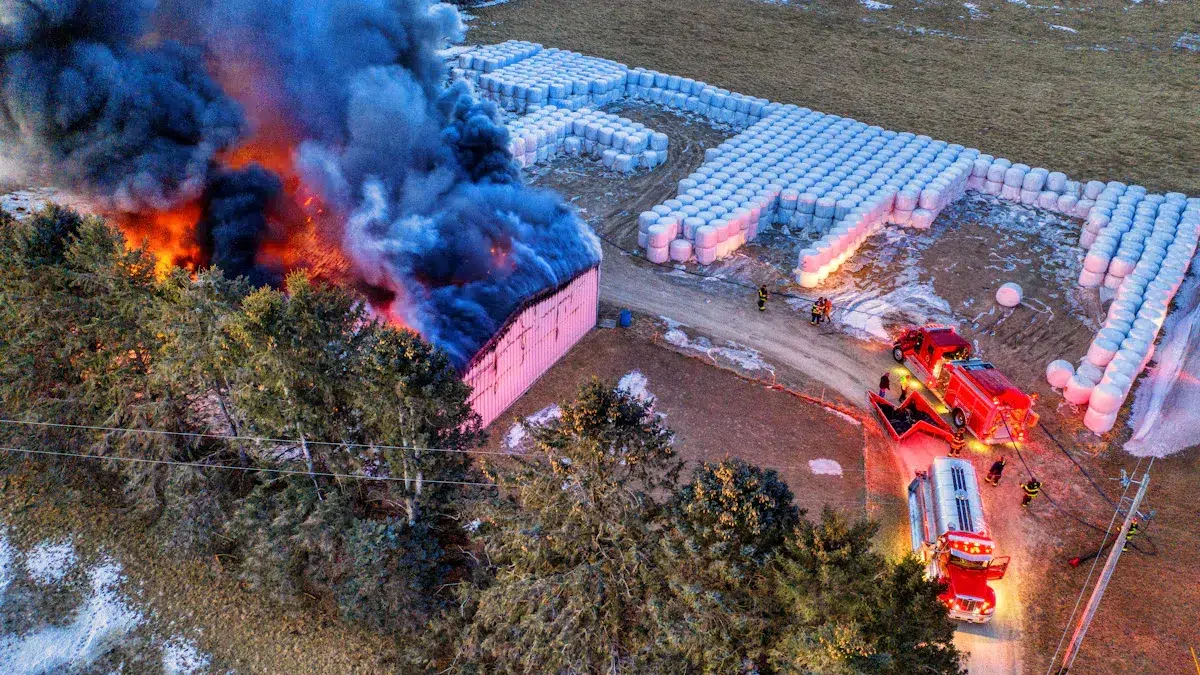
Overcoming Traditional SAR Limitations
You face many challenges in search and rescue. Traditional methods often move slowly and cover small areas. Teams on foot struggle in thick forests, steep mountains, or at night. Helicopters cost a lot and cannot always fly in bad weather. Visual searches do not work well in darkness or fog. These problems can delay finding missing people and put rescuers at risk.
Thermal drones for public safety change the game. You can launch a thermal drone for search and rescue in seconds. The drone flies over large areas and sends real-time video to your team. You see heat signals from people, even through smoke, fog, or trees. This technology helps you find lost or injured people faster and safer.
Geographic constraints no longer slow you down.
You can search at night or in poor weather.
Your team stays out of danger while the drone does the hard work.
Enhancing Public Safety with Thermal Drones
Thermal drones for public safety give you a powerful tool. You can quickly scan fields, forests, or disaster zones. The drone’s thermal imaging shows body heat, making it easy to spot people who need help. You get instant information, which helps you make smart decisions during a search and rescue operation.
Drones for search and rescue improve efficiency and speed. You cover more ground than teams on foot. You also boost the chances of a successful rescue, especially when time matters most.
Real-World SAR Success Stories
You see the impact of search and rescue drones in real missions. In Virginia, a drone found a missing dog in 45 minutes after three days of ground searching failed. In North Vancouver, a thermal-equipped drone located a hypothermic hiker at night, two kilometers away under tree cover. These stories show how thermal drones for public safety save lives and time.
With advanced modules like the TL640, Mavic 3T, Matrice 4T, and JOUAV, you get high-resolution thermal imaging, long flight times, and smart features. These tools give you improved search accuracy and better results in all search and rescue applications.
Essential Techniques for Thermal Drone SAR Operations
Grid Search Patterns
When you need to search a big area fast, grid search patterns help a lot. These patterns are planned out before the mission. Experts made them after looking at many search and rescue cases. Using these patterns helps you search better and not miss anyone.
Here is a table showing common grid search techniques:
Technique | Description |
|---|---|
Predefined Flight Patterns | Use tested patterns based on real search and rescue cases to optimize your search. |
Survey Patterns | Fly in a lawnmower pattern with 60-70% overlap for thorough coverage. |
Corridor Scan | Plan waypoints along a corridor and overlap your flight path to increase the chance of finding people. |
You can pick the best pattern for your job. The TL640 module gives you clear thermal images. You can use different lenses, like 4.1mm or 45mm, to fit the area you need to search. This helps you work in forests, fields, or cities.
Tip: Always record video during grid searches. You can watch it later if you need to double-check what you found.
Hotspot Detection and Confirmation
You need to find heat signals fast and make sure they are real before sending help. Thermal drones for search and rescue let you see hotspots. These could be people, animals, or even fires. The TL640 module can spot temperature changes from -20°C to 650°C. This means you can find people even if it is cold or smoky.
When you see a hotspot, zoom in with the right lens. A 13mm lens shows a wide area. A 25mm lens lets you see far away. Use the drone’s live video to help your team and check if the hotspot is a person who needs help.
Look for hotspots with thermal imaging.
Check the temperature to see if it matches a person.
Change lenses to get the best view.
Night and Low-Visibility Missions
Searching at night is hard with normal methods. You cannot see well in the dark, fog, or rain. Drones for search and rescue with thermal imaging let you see heat that eyes cannot.
You can fly the drone at night and find people under trees or in thick bushes. In one story, a thermal drone found a cold hiker at night in winter. The drone saw the heat, even though ground teams could not see the person. In another case, a drone found a missing child in a dark forest in just a few minutes.
Thermal drones find heat even in total darkness.
You get views from above that people on the ground cannot.
You can decide faster and keep rescuers safer.
Note: Always check your drone’s battery before flying at night. Cold weather can make batteries run out faster, so bring extra batteries for your search and rescue missions.
Integrating RGB and Thermal Data
You can do a better job by using both RGB and thermal data. RGB cameras show color pictures. Thermal cameras show heat. When you use both, you see more details in your search area.
In search and rescue, using both types of data helps you find people when it is hard to see. In bad weather, thermal models found people almost every time, while RGB alone did not do as well. The thermal model had a recall of 98% and an F1 score of 97%. Early fusion of RGB and thermal images worked better than late fusion for finding people.
Use RGB for color and thermal for heat.
Switch views to check your targets.
Early fusion models work best for nighttime search and rescue.
Tip: The TL640 module lets you use both RGB and thermal feeds at the same time, so you can make decisions quickly.
If you learn these important techniques, your search and rescue missions will be faster, safer, and more successful. The right thermal drone for search and rescue gives you the tools you need to save lives, even when things get tough.
Deployment Best Practices for Search and Rescue Teams
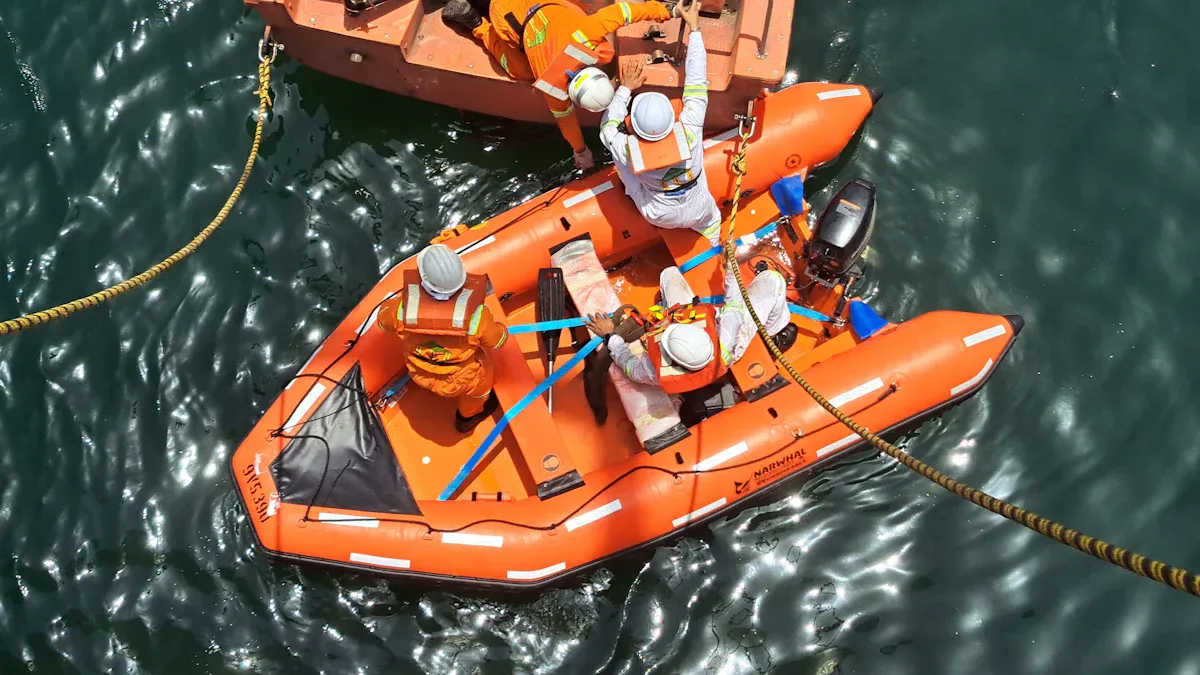
Pre-Mission Planning
You need strong planning before every search and rescue mission. Start by mapping the location and checking for hazards. Look for obstacles, restricted zones, and any risks in the environment. Use mission planning tools to set waypoints and routes for your thermal drone for search and rescue. Always check the weather. Rain, wind, or darkness can change your plan. Make sure you follow all rules, like FAA Part 107 or local laws. This keeps your team safe and your mission legal. Good planning leads to rapid deployment and response, which is key in critical rescue missions.
Map the area and spot hazards.
Plan flight paths with software.
Check weather and have backup plans.
Follow all drone rules and get needed permissions.
Safety and Airspace Management
You must keep safety first in all search and rescue applications. Train your team on how to fly drones for search and rescue. Teach them safety steps and what to do in emergencies. Always follow airspace rules to avoid problems with other aircraft. Watch for changing weather and adjust your plan if needed. Regular drone checks and maintenance help prevent failures during rescue. These steps give you enhanced safety for rescuers and better accuracy in your search.
Train operators on safety and emergency response.
Follow airspace rules and stay updated on changes.
Check drones before each mission.
Adapt to weather and environment.
Team Coordination and Communication
You need clear roles and strong communication for successful search and rescue. Assign jobs like pilot, visual observer, and payload operator. Use real-time video streaming from search and rescue drones to help ground teams make fast decisions. Keep talking with your team and the command center during the mission. Monitor drone data and change flight plans if needed. Good teamwork helps emergency responders act quickly and save lives.
Set clear roles for each team member.
Share live video and updates.
Stay in contact with ground teams and leaders.
Watch drone data and adjust as needed.
By following these best practices, you improve your search and rescue operations. You cover more ground, respond faster, and keep your team safe. Drones for search and rescue give you the tools to succeed in tough conditions and help those in need.
Troubleshooting and SAR Challenges
Managing False Positives
Sometimes, heat signals look like people but are not. They might be animals, machines, or warm rocks. These mistakes can slow down your search and rescue work. Always check each hotspot with both thermal and RGB views. Look at the temperature and shape of the signal. Advanced modules let you zoom in and see more details. Talk to your ground team to make sure before sending help. This step saves time and keeps your rescue focused.
Tip: Practice spotting false positives during training. You will learn how to tell people apart from other heat sources.
Battery and Endurance Optimization
Long missions need strong battery power. You must watch your drone’s battery life to avoid problems. Here is a table with ways to make your battery last longer:
Strategy | Description |
|---|---|
Battery Type Selection | Use Li-ion batteries for better temperature stability and consistent performance in varying conditions. |
Pre-flight Preparation | Charge batteries at room temperature and use compatible chargers to prevent damage and ensure safety. |
In-flight Optimization | Minimize payload weight and maintain stable altitude and speed to conserve energy during flight. |
On-field Management | Implement rapid battery swapping and allow batteries to cool down before recharging to minimize downtime. |
Post-mission Care | Store batteries at a storage voltage of 3.8V per cell to extend lifespan and ensure readiness. |
Always bring extra batteries for your thermal drone for search and rescue. Swap batteries fast and let them cool before charging. These steps help you search big areas and keep your mission going.
Continuous Training and Improvement
You need regular training to get good at using search and rescue drones. Training helps you act faster and make smart choices. Here are skills you should practice:
Use thermal imaging cameras and read heat signals.
Fly search patterns over different places.
Work with ground teams using drone data.
Guide rescuers with the best routes.
Practice often to get better at search and rescue. Update your skills when new technology comes out. Training keeps your team ready for any rescue.
Note: Plan training sessions often. Look at old missions to see what worked and what needs to change.
TL640 SAR Advantages in Search and Rescue
High-Resolution Thermal Imaging
You need clear pictures to find people fast. The TL640 gives you sharp thermal images with a 12um sensor and a strong germanium lens. This setup helps you see small things, even when it is dark or smoky. You can spot a person from as far as 2500 meters away. This means you can search more land with fewer people. It helps your team cover big areas quickly and you do not need as many ground searchers.
See clear pictures in total darkness
Find people from far away
Search more land with fewer people
Rapid Temperature Detection and Analysis
Speed is important in search and rescue. The TL640 measures temperatures from -20°C to 650°C and gives you quick results. You can see heat from people, animals, or fires right away. This fast detection helps you make quick choices and send help where it is needed. The uncooled technology keeps the system working well and ready to use anytime.
Tip: Watch the live video feed to help your team and check targets before sending rescuers.
Multi-Lens and Platform Compatibility
Every search is different. The TL640 has many lens choices, from 4.1mm to 45mm. You can pick the best lens for forests, fields, or cities. The module works with lots of drone types, so you can use it with your current drones. It is light (only 8g), so your drone can fly longer and cover more ground with each battery.
Change lenses for different places
Use with many drone models
Fly longer because it is light
Performance in Challenging Environments
You often work in hard places. The TL640 works at night, in fog, rain, or thick plants. It can handle temperatures from -40°C to +80°C, so weather is not a problem. The thermal imaging sees through smoke and darkness, so you can find people when you cannot see them with your eyes. You can fly the drone from far away, so your team stays safe from danger.
Proven Success in Real-World SAR Missions
Thermal drones have helped in real emergencies. In a forest fire, a team used the TL640 to map the fire line and find hidden flames. This stopped the fire from spreading and kept people and homes safe. You get live video to help you make choices, so you can act faster and safer than old ways.
Note: The TL640 helps you save time, lower risk, and get better rescue results on every mission.
You can change search and rescue by using thermal drone techniques. These drones fly over big areas very quickly. They find heat signals even in the dark or fog. The drone sends live video to your team right away. Teams with drones find missing people in just a few minutes. They work well even in hard places like forests or mountains.
Next steps for your team:
Take hands-on training to learn thermal imaging.
Get better thermal cameras and mapping software.
Make your rules better for more control and safety.
Learning these skills helps you save lives when time is important.
FAQ
What makes thermal drones better than ground search teams?
Thermal drones cover large areas quickly. You can see heat signals through smoke or fog. Ground teams move slowly and may miss people, especially at night or in bad weather.
Can thermal drones work in rain, fog, or at night?
Yes! You can fly thermal drones in low light, fog, or rain. The thermal camera detects body heat, so you find people even when you cannot see them with your eyes.
How do thermal drones help keep rescuers safe?
You send the drone into dangerous areas first. The drone finds people and hazards, so you avoid putting your team at risk. This keeps everyone safer during search and rescue.
How fast can you deploy a thermal drone in an emergency?
You can launch a thermal drone in less than one minute. This speed helps you start searching right away, saving precious time in rescue missions.
Do you get live video from the drone during a search?
Yes, you receive real-time video from the drone. You watch the search area live and make quick decisions. This helps you guide your team and respond faster.
See Also
Utilizing Thermal Imaging Cameras for Effective Rescue Operations in 2025
Vanadium Oxide Thermal Imaging Cameras: Essential Tools for Rescue
The Importance of Thermal Imaging Cameras in 2025
Key Trends Influencing Android Auto Wireless Adapter Development