

You can turn your drone into a strong night vision tool with the TL640 uncooled infrared module resolution 640×512. This advanced module is small and light, so it fits on most UAVs. You get clear pictures in the dark with the TL640 Uncooled Infrared Module. It helps you see things that regular cameras cannot see. You can use this technology to make flying safer or to look at new places. This gives you a big advantage.
Key Takeaways
The TL640 module is small and light. It is easy to put on many drones. It does not make the drone much heavier.
The module has a resolution of 640×512 pixels. It also has a frame rate of 50Hz. It gives clear thermal pictures. This is great for search and rescue jobs.
Smart algorithms make the pictures look better. They help the camera work well in smoke or darkness.
You need to set up and adjust the thermal camera before each flight. This helps you get clear and correct thermal pictures.
The TL640 module can be used in many ways. It works for security, checking machines, and studying the environment.
TL640 Uncooled Infrared Module Resolution 640×512: Key Features
Compact Size and Lightweight Design
It is easy to put the turing l640 uncooled infrared module resolution 640×512 on your drone because it is small and light. The module is only 21mm by 21mm in size and weighs just 8 grams. This makes it one of the smallest and lightest thermal cameras for UAVs. You do not have to worry about your drone getting heavy. You can use it even when there is not much space. The design saves space, weight, and power. It fits many kinds of drones and works with different thermal imaging lenses.
Tip: The small size lets you fly longer and see more places at night.
High-Resolution Imaging and Frame Rate
The turing l640 uncooled infrared module resolution 640×512 gives you clear thermal pictures. The thermal resolution of 640×512 pixels helps you see tiny things, even when it is dark. The module takes thermal pictures very fast at 50Hz. This means you get smooth video with no delay. The high thermal resolution helps you find people, animals, or things that normal cameras cannot see. You can use this thermal camera for search and rescue, security, or exploring at night.
Here is a quick look at the main technical specs:
Specification | Details |
|---|---|
Resolution | 640×512 |
Pixel Pitch | 12μm |
Frame Rate | 50Hz |
Spectral Band | 8-14μm |
NETD | ≤50mK@25℃ |
Dimensions | 21×21mm |
Weight | 8g |
Operating Temp | -40°C ~ +80°C |
Power Consumption | 0.4W @ 25°C |
Advanced Algorithms and Temperature Measurement
The turing l640 uncooled infrared module resolution 640×512 gives you sharp thermal pictures in many situations. The module uses smart image algorithms to make details easy to see. You get clear thermal pictures even in smoke, fog, or total darkness. The thermal camera can measure temperatures from -20°C to 650°C. This big range helps you find hot spots, electrical problems, or heat leaks. The thermal resolution and smart features make your drone a strong tool for thermal imaging at night or in hard places.
Discover the TL640 Module
Learn more about how the TL640 can enhance your UAV’s night vision capabilities.
Drone Integration: Setup and Configuration
Mounting and Positioning on UAVs
You have to put the TL640 module on your drone safely. The module is small and light, so it is simple to attach. You can use a basic bracket or make a special holder with a 3D printer. Put the module at the front of your drone for a good view. Make sure nothing is in front of the lens. Check that the thermal camera faces forward. This helps you get the best thermal pictures when flying.
Tip: Use pads that stop shaking to keep your thermal pictures clear. These pads help stop the drone’s motors from making the camera shake.
You can move the module up or down to see more ground or sky. Try out the position before flying at night. This step helps you not miss anything and lets you use your thermal camera better.
Electrical Connections and Interfaces
You need to connect the TL640 module to your drone’s power and data parts. The module works with many drones because it has different ways to connect. You can use MIPI, USB, BT.656, or analog video outputs. Pick the one that matches your drone’s computer or controller.
Here is a table that shows the power supply range and how much power the TL640 uses:
Specification | Value |
|---|---|
Power Supply Range | 3.8~5.2VDC / 1.8V / 3.3V |
Power Consumption | 0.35W (Typical, @25°C, Without Extension) |
Connect the power wires to a steady power spot on your drone. Check the voltage so you do not break the module. Use the right wires for sending data. Hold all wires in place with zip ties or tape. This keeps the wires from coming off when flying.
You can use USB for a fast setup. If you want quicker data, use MIPI. The analog video output is good for older controllers. Test all the wires before you fly. This step helps you get smooth thermal pictures and keeps your drone safe.
Software and Customization Options
You can set up the TL640 module with easy software. The module lets you change settings to fit what you need. You can change the field of view, how bright the image is, and the color style. These choices help you get the best thermal pictures for your job.
Put the software on your drone’s computer or a ground station. The program lets you see live thermal pictures and save them. You can also set alarms for high heat. This helps you find problems quickly.
The TL640 lets you write your own code to control the camera. This is good if you want to add new features or connect other sensors. The software has tools to change thermal resolution and make images clearer. These tools help you get good thermal pictures in many places.
Note: Always update the software to the newest version. Updates give you new things and make the module work better.
Now you can use your drone for advanced thermal jobs. You will see clear thermal pictures at night, in fog, or in smoke. The TL640 makes your drone great for search and rescue, security, and checking things.
Optimizing Night Vision Performance
Calibration and Image Enhancement
You want your thermal camera to give great pictures every time you fly at night. Start by setting up the thermal camera before each flight. This helps you get clear and correct thermal images. Use the built-in tools to fix for temperature changes and different light. Good setup means your thermal camera will show real details, even in total darkness.
To make your thermal images even better, you can use special ways to improve them. These methods help you see more details and cut down on noise in your pictures. Here is a table that shows some of the best ways to make thermal images better with the TL640 module:
Technique | Description |
|---|---|
Deep Learning-based Methods | Use neural networks to make low-light images better. |
Feature Extraction | Pulls out important parts from images to make them clearer. |
Fusion-based Learning | Mixes features from different places to make images look better. |
MBLLEN | A CNN-based way that lowers noise and mistakes in dark areas. |
Multi-scale Feature Fusion | Makes feature maps at different sizes for better pictures. |
Local Color Distribution | Uses local color to stop too much light in bright spots. |
Try these ways to get the sharpest thermal images and the best thermal resolution you can.
Field of View and Environmental Settings
You can change the field of view on your thermal camera for your mission. A wide field of view lets you see more space, which is good for search and rescue. A narrow field of view gives you better thermal resolution and helps you look at small things. Pick the field of view you need before you fly.
Check the weather and area before you use your drone. Fog, smoke, or rain can change how your thermal camera works. Change the settings on your camera to get the best pictures in each case. You can change brightness, contrast, and color palette to see details better.
Best Practices for Night Operations
You need to follow some rules to keep your drone safe and get the best thermal images at night:
Make sure you know how low light changes what you see and how to use the thermal camera at night.
Go over your night flying steps and remember your normal rules still count.
Bring all the gear you need, like anti-collision lights and handheld lights that do not mess up your night vision.
Tip: Always check your thermal camera and thermal imaging system before each night flight. This step helps you avoid problems and makes sure you get good thermal images with the right thermal resolution.
Real-World Drone Applications
Search and Rescue
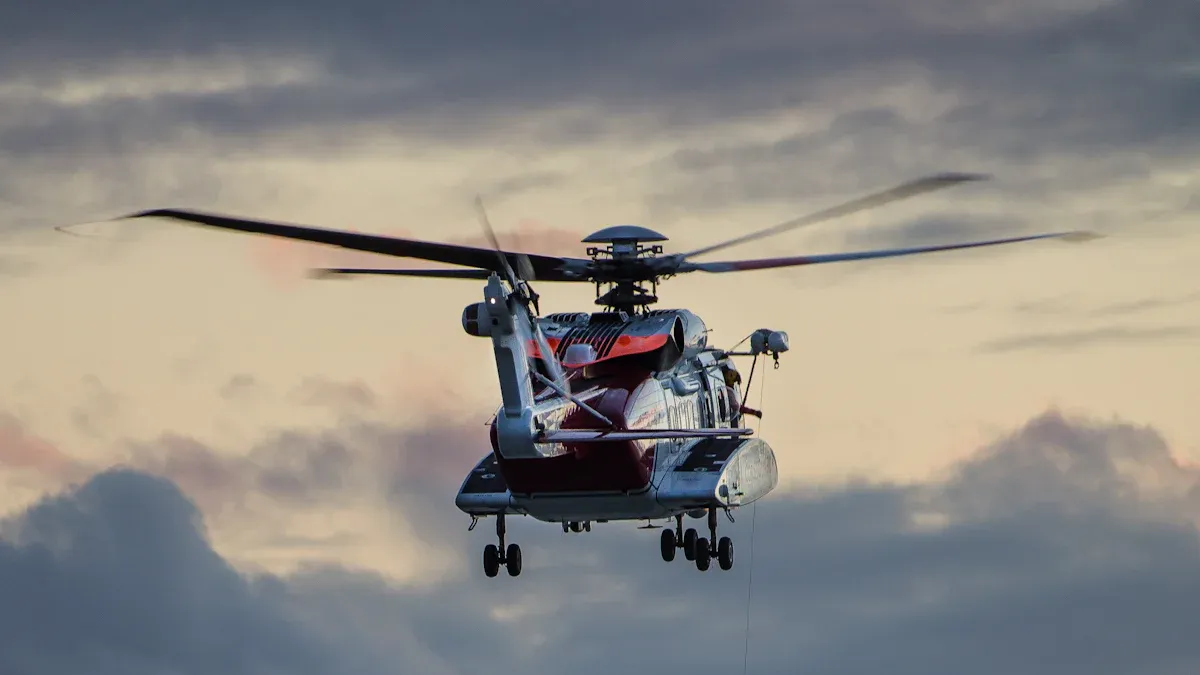
You can use a drone with the TL640 module to find lost people at night. When you fly over forests or mountains, the thermal camera shows heat from people or animals. This makes it easier to see someone who needs help, even when it is very dark. You do not need flashlights or sunlight. The thermal camera lets you look at big areas fast. You can save time and help people sooner. Many rescue teams use thermal cameras on drones because they work well in smoke, fog, or bad weather.
Tip: Always check your drone’s battery before you start searching. You want enough power to look at the whole area.
Security and Surveillance
You can use a drone for security at night or when it is dark. Thermal images help you see people or cars that try to hide. You can fly over fences, parking lots, or rooftops. The TL640 module gives you clear thermal pictures, so you can see movement right away. Security teams use drones to watch big places without sending people everywhere. You can also record thermal pictures to look at later. This helps you keep places safe and fix problems quickly.
Industrial and Environmental Monitoring
You can use a drone to check power lines, solar panels, or factories. The TL640 module gives you sharp thermal pictures that show hot spots or leaks. This helps you find problems before they get worse. You can also use drones to watch forests or rivers for temperature changes. This helps protect nature.
Here is a table that shows how the TL640 module makes inspections better:
Feature | Benefit |
|---|---|
640×512 thermal resolution | |
50Hz frame rate | Fast data capture for efficiency |
Full 14-bit radiometric data | Precise temperature readings |
Wide temperature range | Inspections in many conditions |
Multiple integration options | Easy connection to systems |
Saves time | Less manual inspection needed |
You can finish checks faster and get better information. Thermal cameras help you stay safe and avoid dangerous places.
You can make your drone see better at night with the TL640 uncooled infrared module resolution 640×512. This module is simple to set up and works well for many jobs. It is strong and can be used in different ways. Follow the steps in this guide to get the best results. If you want more help or want to learn about special features, look at the official support or user forums for more tips.
FAQ
How do you connect the TL640 module to your drone?
You can connect the module with MIPI, USB, BT.656, or analog video outputs. Pick the connection that works with your drone’s system. Make sure all wires are tight and safe. Test the connection before you fly your drone.
What makes thermal images from the TL640 module clear at night?
The module uses smart algorithms to make images clear. These algorithms help show more details and cut down on noise. You can see things in the dark, fog, or smoke.
Can you use the TL640 for thermal inspection?
Yes, you can use this module for thermal inspection. It helps you find hot spots, leaks, or electrical problems. You get correct temperature readings and clear thermal images.
Is the TL640 thermal imaging equipment easy to set up?
You can set up this thermal imaging equipment fast. Its small size and light weight make it easy to mount. The software lets you change settings to fit your needs.
How do you keep thermal images stable during flight?
You use anti-vibration pads and mount the module tightly. These steps help stop shaking. You get steady thermal images even if your drone moves quickly.
See Also
Utilizing Vanadium Oxide Thermal Cameras for Effective Rescues
Guide to Operating Thermal Imaging Cameras for Rescue Missions
The Importance of Thermal Imaging Cameras in Modern Rescue